In order to test the concept, a MVP was introduced, which is a version of a product with just enough features to be usable by early customers who can then provide feedback for future product development.
The MVP represents one single touchpoint within the Future Food Hub network in urban environments. The experience bases on the scenario of the first encounter with the touchpoint. The user will interact with the touchable projection screen of the machine. The experience will end by navigating the users from the touchpoint to the mobile application.
The touchpoints are stand-alone machines distributed at different locations in the city. The interactive screen is an IR touch screen projected to the glass surface of the machine's front. In addition, the machine is compatible with a camera that fetches the users' facial data for emotion recognition. The machine is also capable of storing and distributing food upon user requests and payment.

The interface of interaction is the front face of the glass shell. The projection fits the whole glass area while keeping the interactive area clickable for users of various heights. The active user input is through the finger touch thanks to the IR sensor. In addition, the hub is also equipped with a payment sensor and a live camera for emotion detection. The camera is installed in a hidden manner to not disturb the user experience. The following images show the touchpoint in different stages of the experience. More details about the interactive network can be found in the following section.
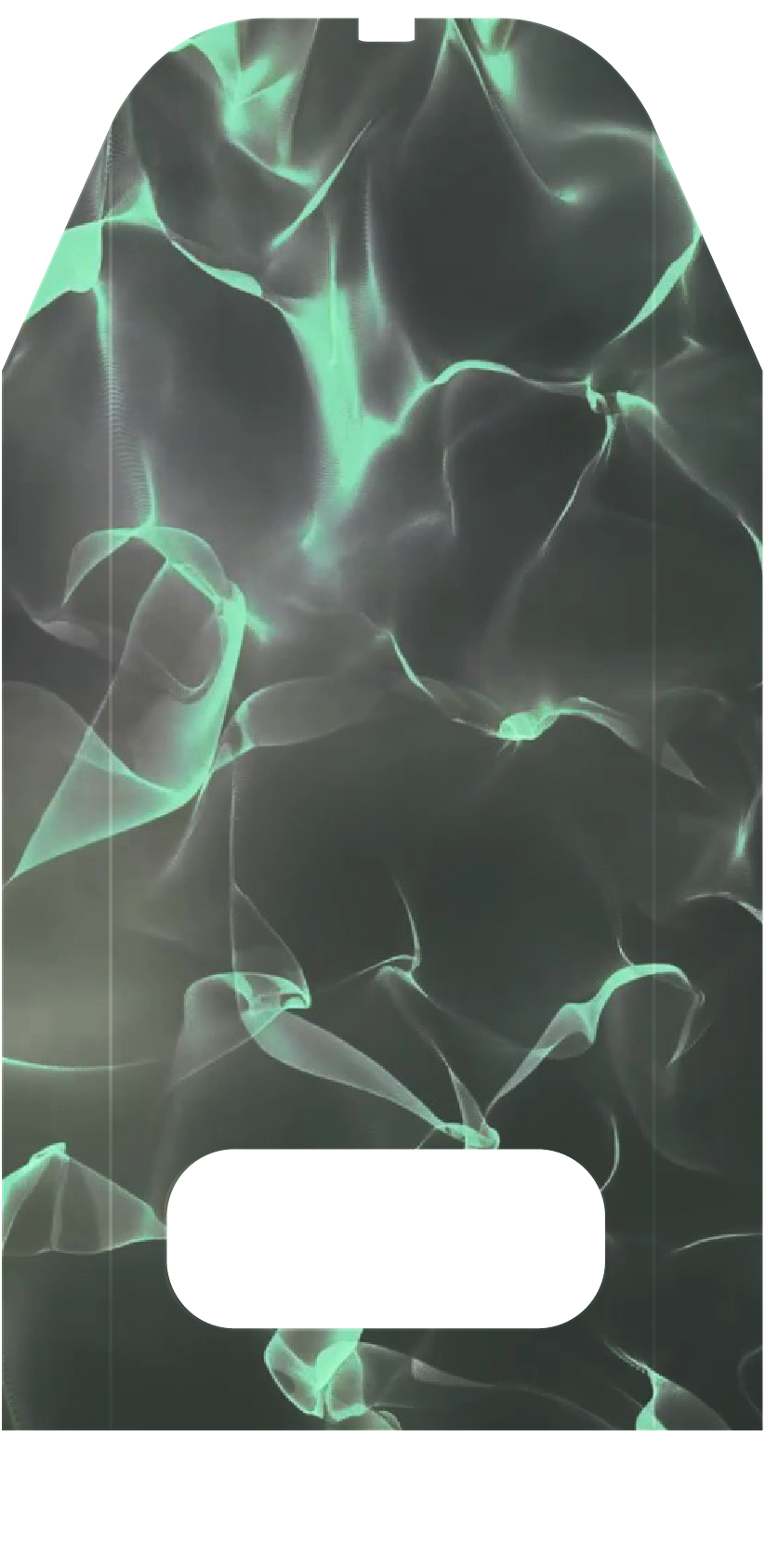
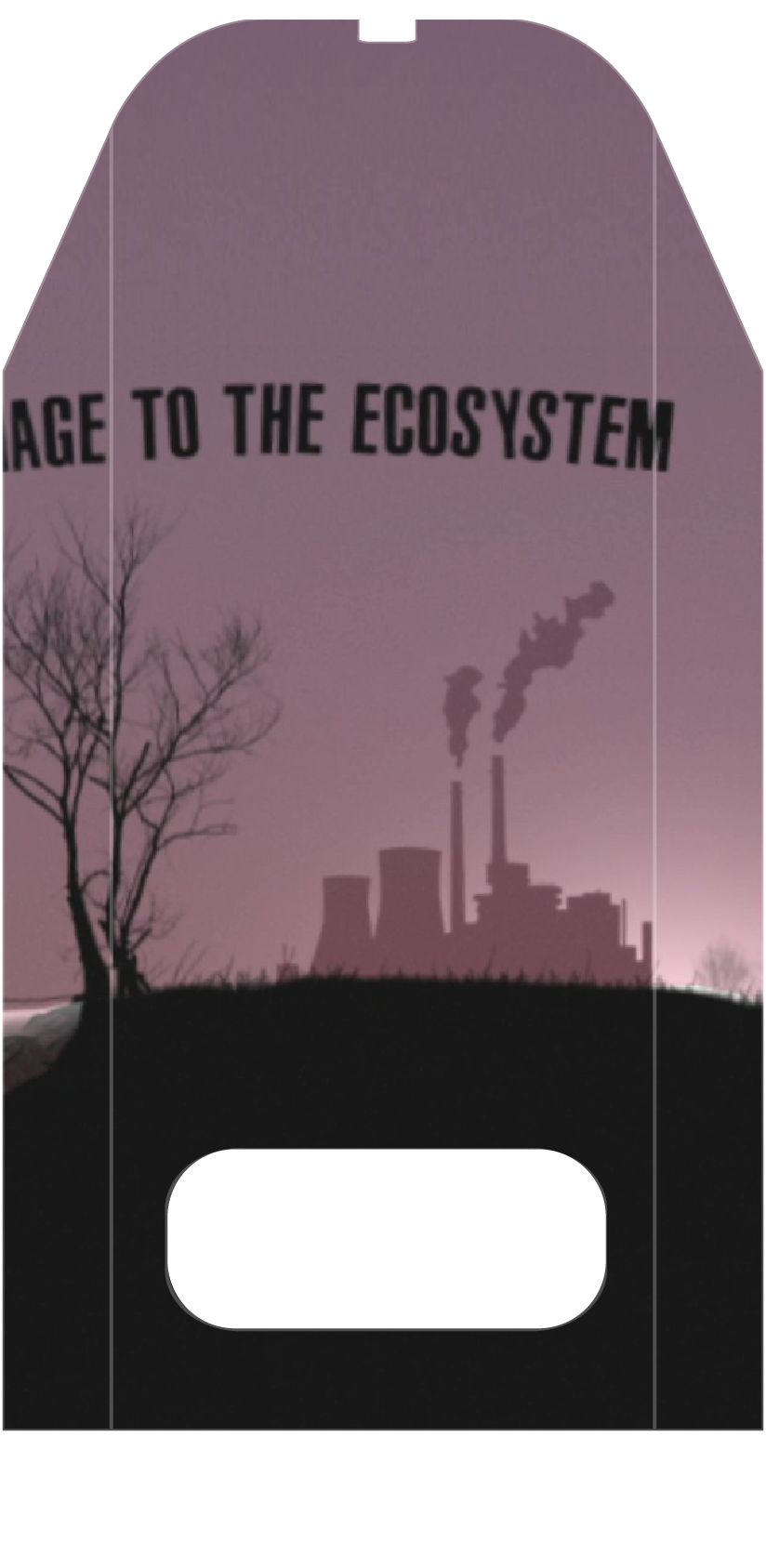
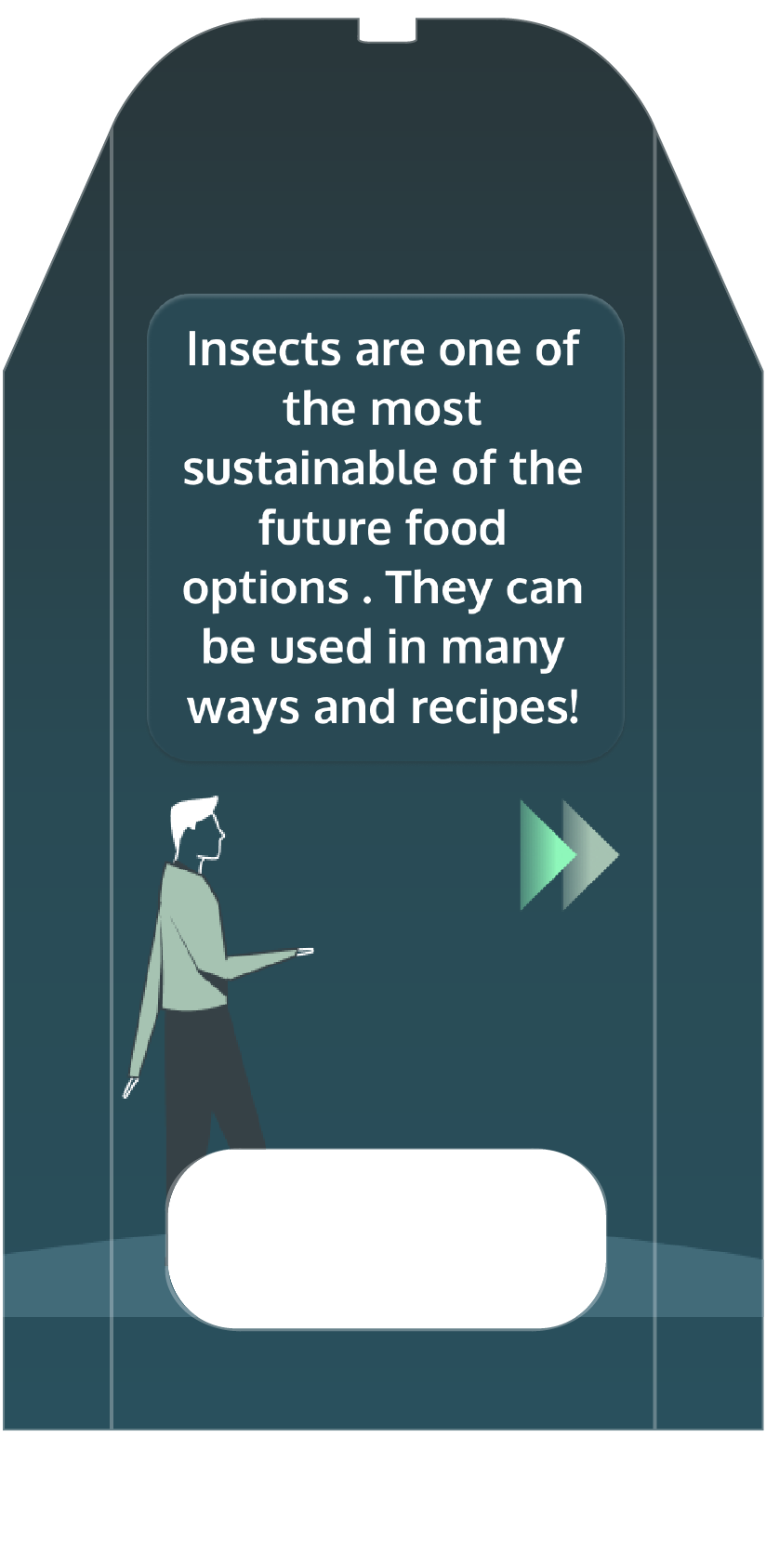
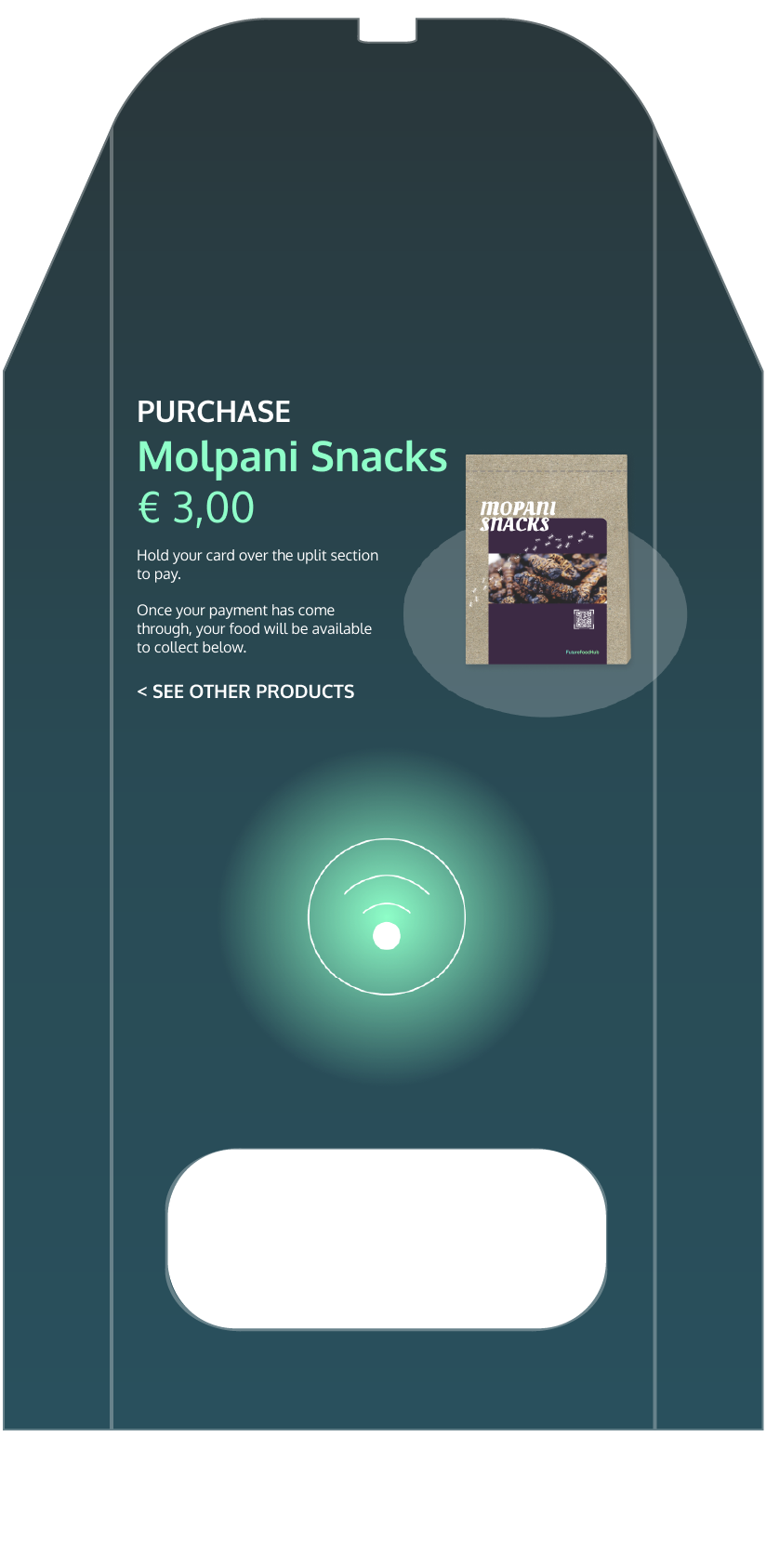
For the full prototype, please check the link or scan the QR code https://linky.design/future-food-hub-touchpoint
The FutureFoodHub also provides a complimentary mobile app to our users. In the app, the users would be able to see how the city is doing as a community, the information of the touchpoints nearby on the map, and the order history of previous visits to the hub. With the mobile application, we aim to retain the users and build a sense of community, in a collective effort of making positive changes to the food system today.
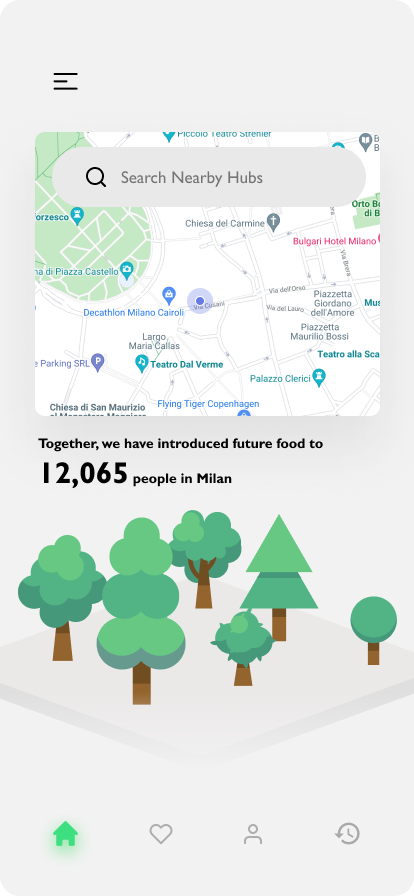
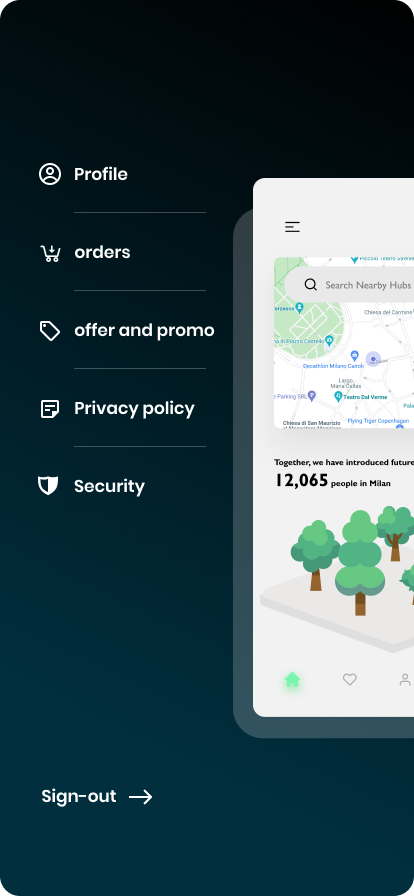
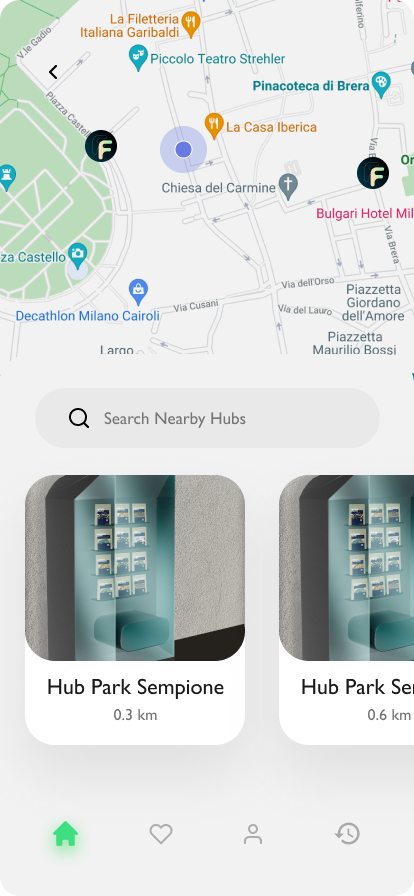
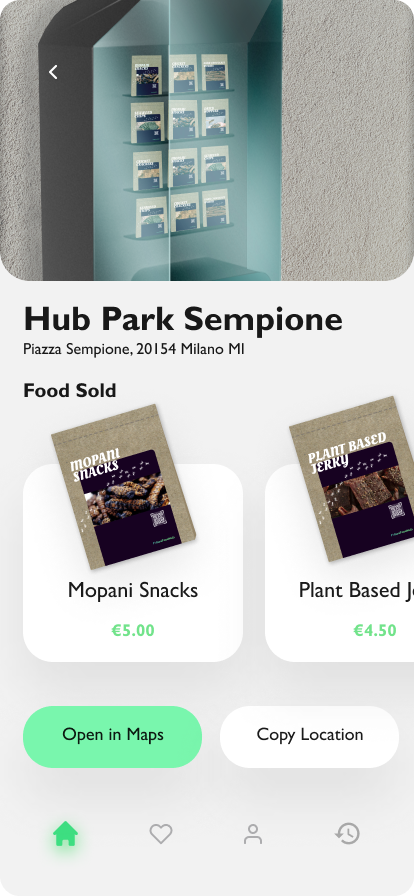
For the full prototype, please check the link or scan the QR code https://linky.design/future-food-hub-app
Here is the list of components that allow Future Food Hub to be assembled and properly work, and the related costs and quantities. We assume that some components' costs could change into real industrial production and assembly.
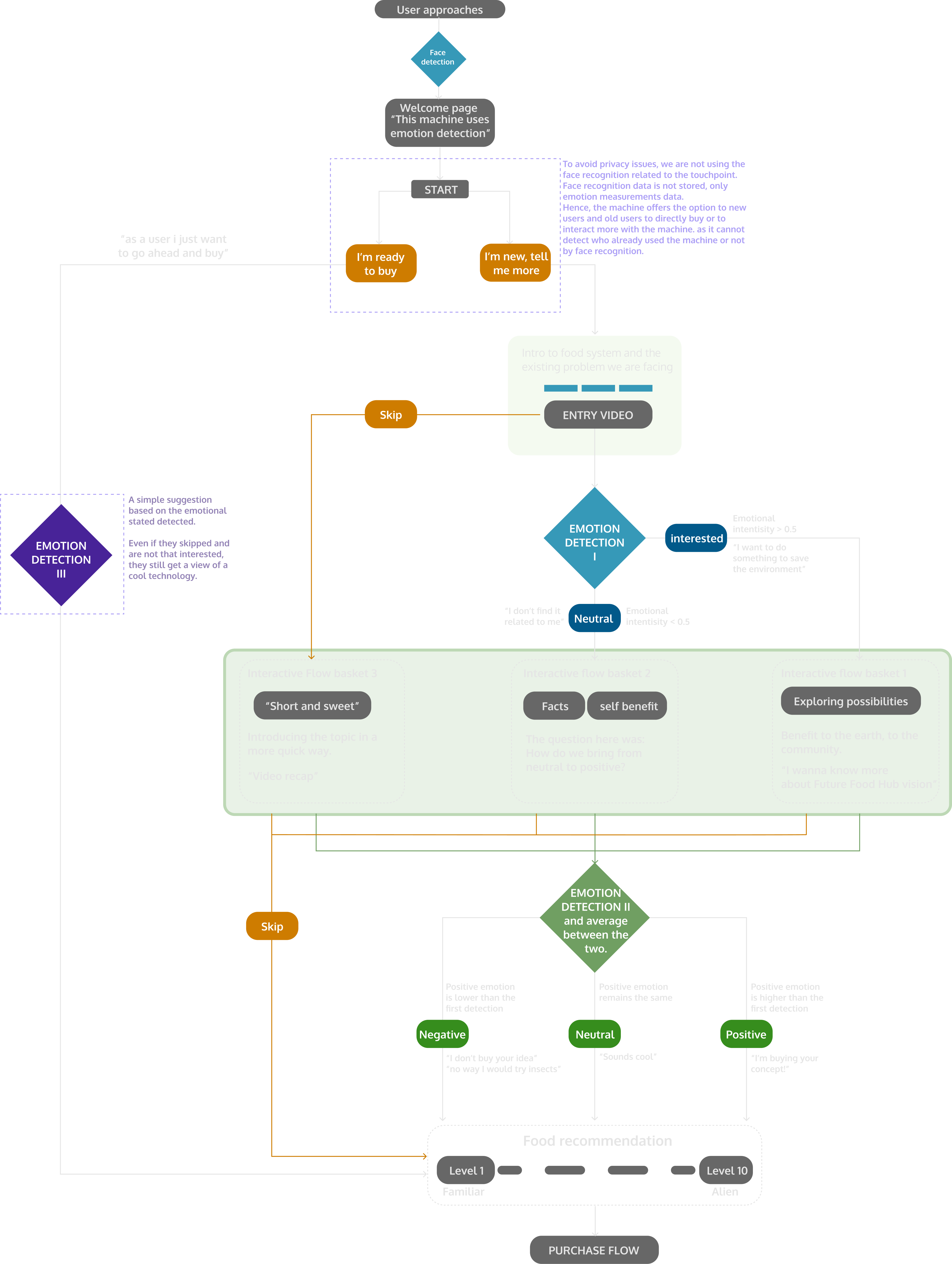
The following chart visualizes all the possible actions and choices that users can perform during a typical visit to the Future Food Hub touchpoint. In the flowchart, the use of emotion detection technology is also illustrated.
The system considers the video responses as “interested” if it has registered certain emotional responses up to a certain level. The assumption here is, based on the testing, that the user already has some insights into sustainability. Thus, more possibilities and innovative food options are shown to the user. On the other hand, when the system receives a “neutral” response towards the video, the assumption is that the user is not that familiar with sustainability-related topics. Thus, more facts about the problem will be introduced to the user. Lastly, If the video is skipped, the system would consider it as a “negative” response. The assumption here is that the user is not interested in the topic or have no time for watching the video. In this case, a short and quick brief of the topic will bring the user into the loop.
With all these, we aim to provide the correct information each individual user need to empathize with the topic and embrace future food that can be unfamiliar.
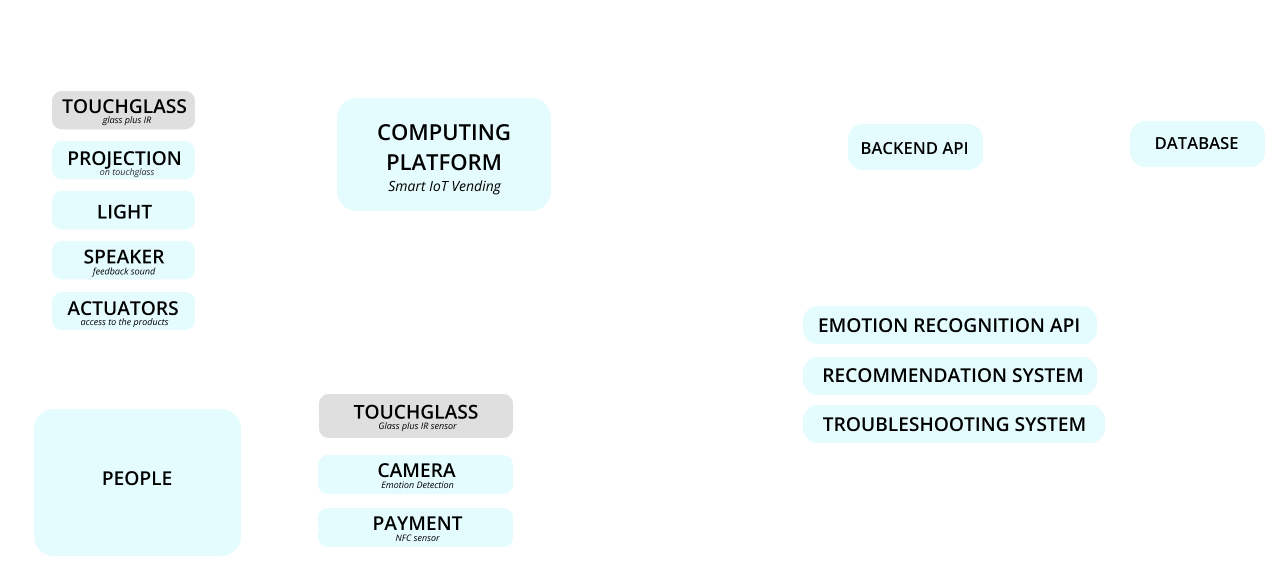
This diagram represents how we designed the system architecture, between the physical touchpoint and the digital platform behind it. The responses from the touchpoints as well as the user inputs are represented here in the dimensions of data transfer and enabling components. In addition, the graph explains how the APIs, database and FutureFoodHub app work together to provide the ground for the touchpoint to work.
Our touchpoints will be placed in the public space with a certain amount of use and as a consequence will encounter potential problems. We considered a list of possible risks, how to prepare for them and the possible responses should they happen. This chart allows us to ground the product even more. Although when placed in the real context, adaptation may be needed, this is a starting point where we could have an understanding of the challenges.